Shopify app for product customization
Let shoppers design it. Make exactly what they made.
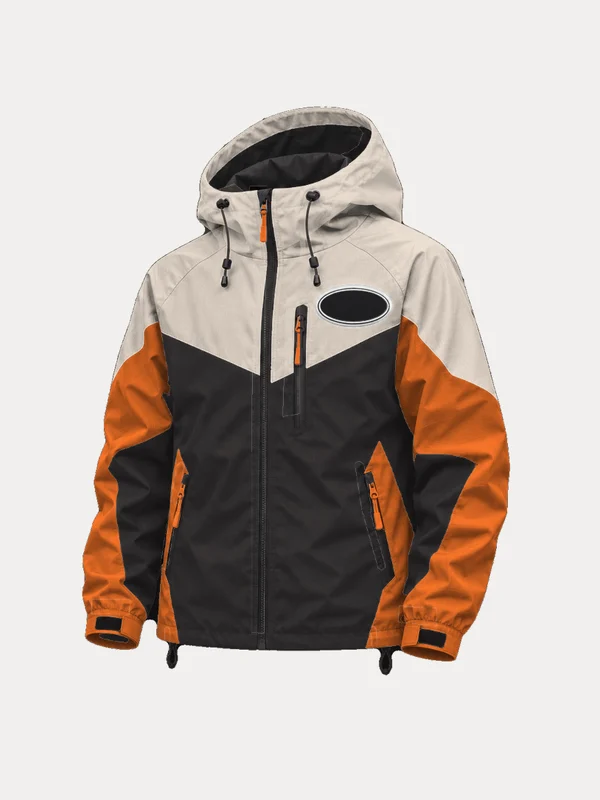
Upload your product as layers. Shoppers recolor each part, swap styles and add their own logo or photo, live on your product page. Every choice and a preview image land on the order.
Set up in three steps
Upload your product in layers
One transparent PNG per part: body, sleeves, trim, zipper. Photos or colored art are fine; Tintwork can remove the background and turn it into a recolor-ready base.
Choose what shoppers can change
For each part: pick from your colors, show or hide it, swap between styles, or let shoppers fill it with their own photo or logo.
Add the block, get clear orders
Show the live preview in your product photo area or next to the options. Every choice, the shopper's files and a preview image land on the order.
One product, every colorway
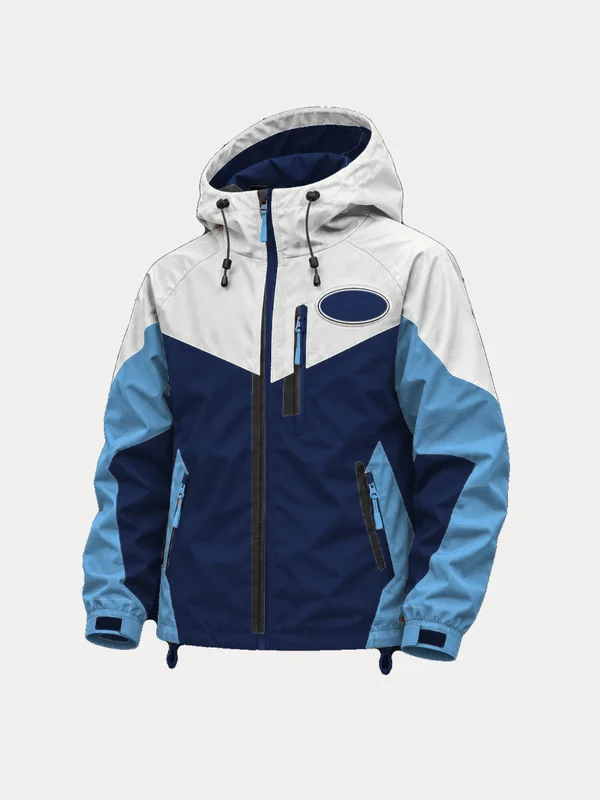
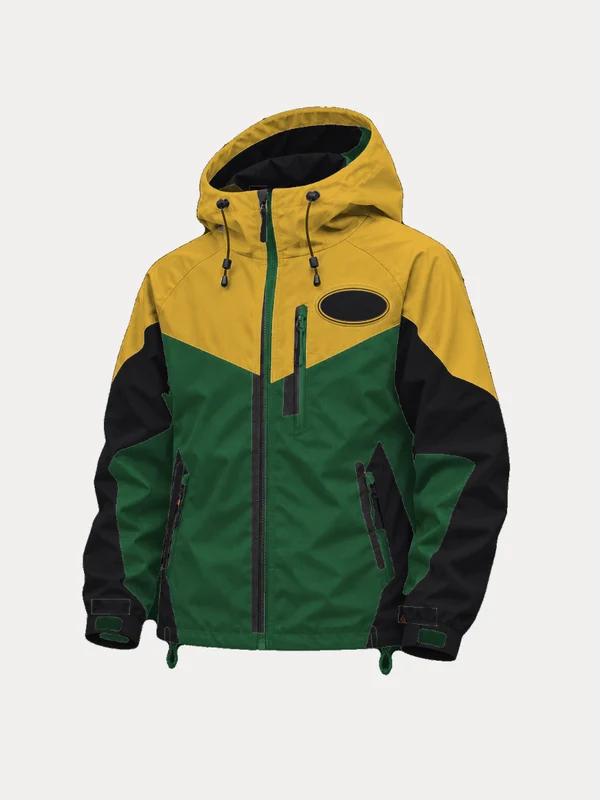
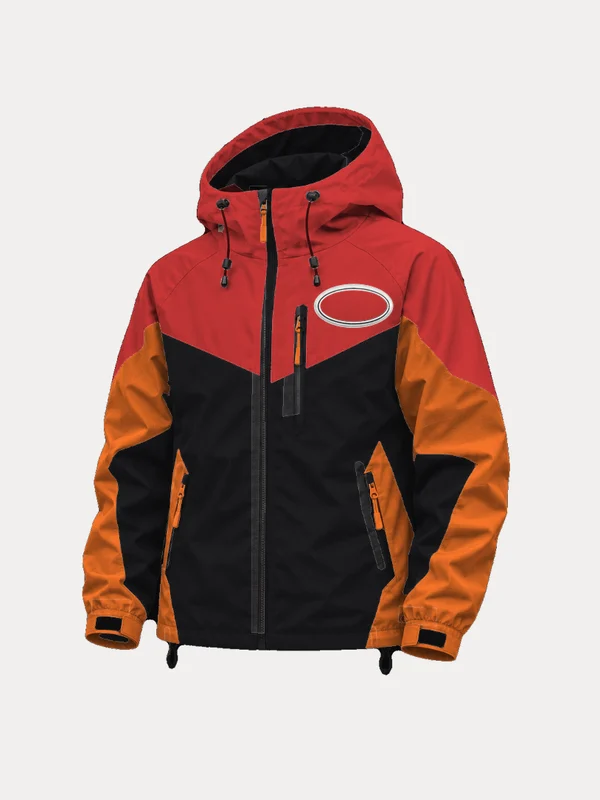
What it looks like
Right on your product page
The live preview can take over your product photos. Here a shopper put their logo on the chest patch and a pattern on the hood and shoulders.
Their logo, placed just right
Shoppers drag, zoom and rotate their image in a close-up editor. Vector logos stay sharp.
Set it up in your Shopify admin
Pick what shoppers can change for each part and watch the live preview as you go.
Built for products people want to make their own
Recoloring that looks real
Folds, seams and shadows stay put while the color changes, so every combination looks like a photo, not a flat fill.
Their own photo or logo
Fill a whole panel with a shopper's photo, cropped to its shape, or place a logo in a zone you draw. SVG logos keep the original vector file.
Styles and optional parts
Swap a chevron for a chest band, make the hood optional, or let a zipper pull follow the trim color automatically.
Layer prep built in
Upload a product photo or colored art. Tintwork removes flat backgrounds and converts it into a white shading base for you.
Orders your team can make
Readable choices on every line, links to the shopper's files and a preview image. Everything is stored in your own Shopify Files.
Speaks your store's language
Shopper-facing text follows your store's language, with English, Spanish, French, German, Italian, Portuguese and Dutch built in. Edit any wording in your theme.
Questions
Something else? Email tintwork@dcoded.dev and a person who builds Tintwork will answer.
What artwork do I need?
One PNG per part, all exported from the same canvas so they line up, with everything else transparent. Parts shoppers can recolor work best in white or light gray with the shading kept. If you only have a product photo, Tintwork's layer prep handles flat backgrounds and colored photos.
Where do shoppers' logos and photos go?
Straight into your store's Shopify Files, and the link is saved on the order. SVG logos are kept as the original vector file for printing. Tintwork doesn't keep its own copy.
Does it work with my theme?
It works with Online Store 2.0 themes, including Dawn. You add the Tintwork block in the theme editor, with no code to edit, and choose whether the preview replaces your product photos or sits next to the options.
Does it support other languages?
Yes. Everything shoppers see is translated the Shopify way and follows your store's language. Your part names and color names are your own wording.
How much does it cost?
Tintwork is in early access while we finish the App Store listing. Email tintwork@dcoded.dev to try it on your store.
Make every product yours to design.
Your product, their colors, one clear order.